Sequifi vs Spiff: which is better?
Spiff fits Salesforce-first SaaS teams that only need commission math. Sequifi fits orgs that need commissions, W-2 and 1099 payroll and fast pay in one system.
Direct answer
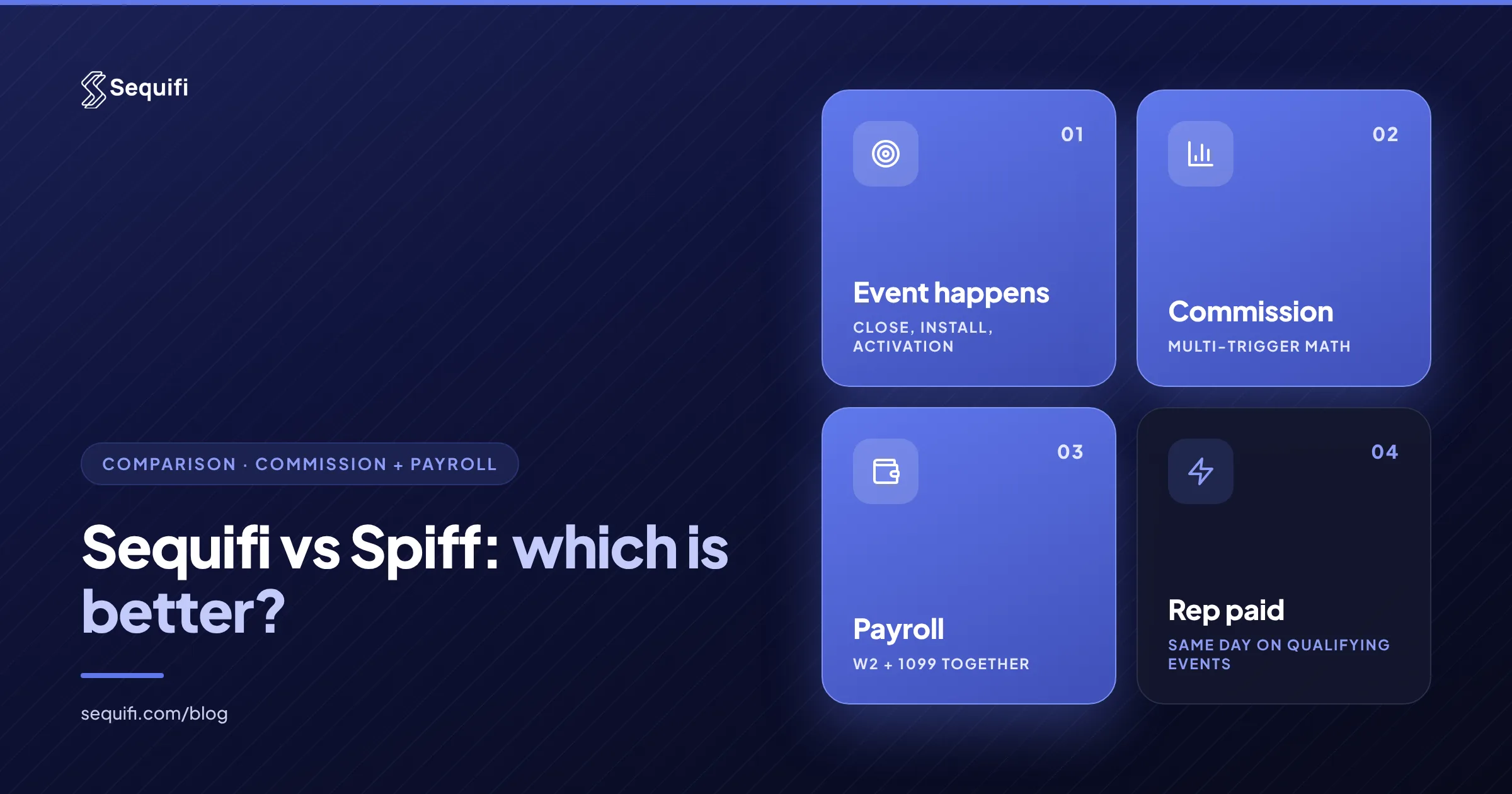
Spiff is the better fit for software sales teams that live in Salesforce and only need commission calculation and rep visibility, with payroll handled elsewhere. Sequifi is the better fit for high-velocity sales orgs where pay depends on multiple triggers, reps are a mix of W-2 and 1099, and commissions need to flow straight into payroll. The real question is not which tool calculates better. It is whether you want commissions and payroll in one system or two.
Breakdown
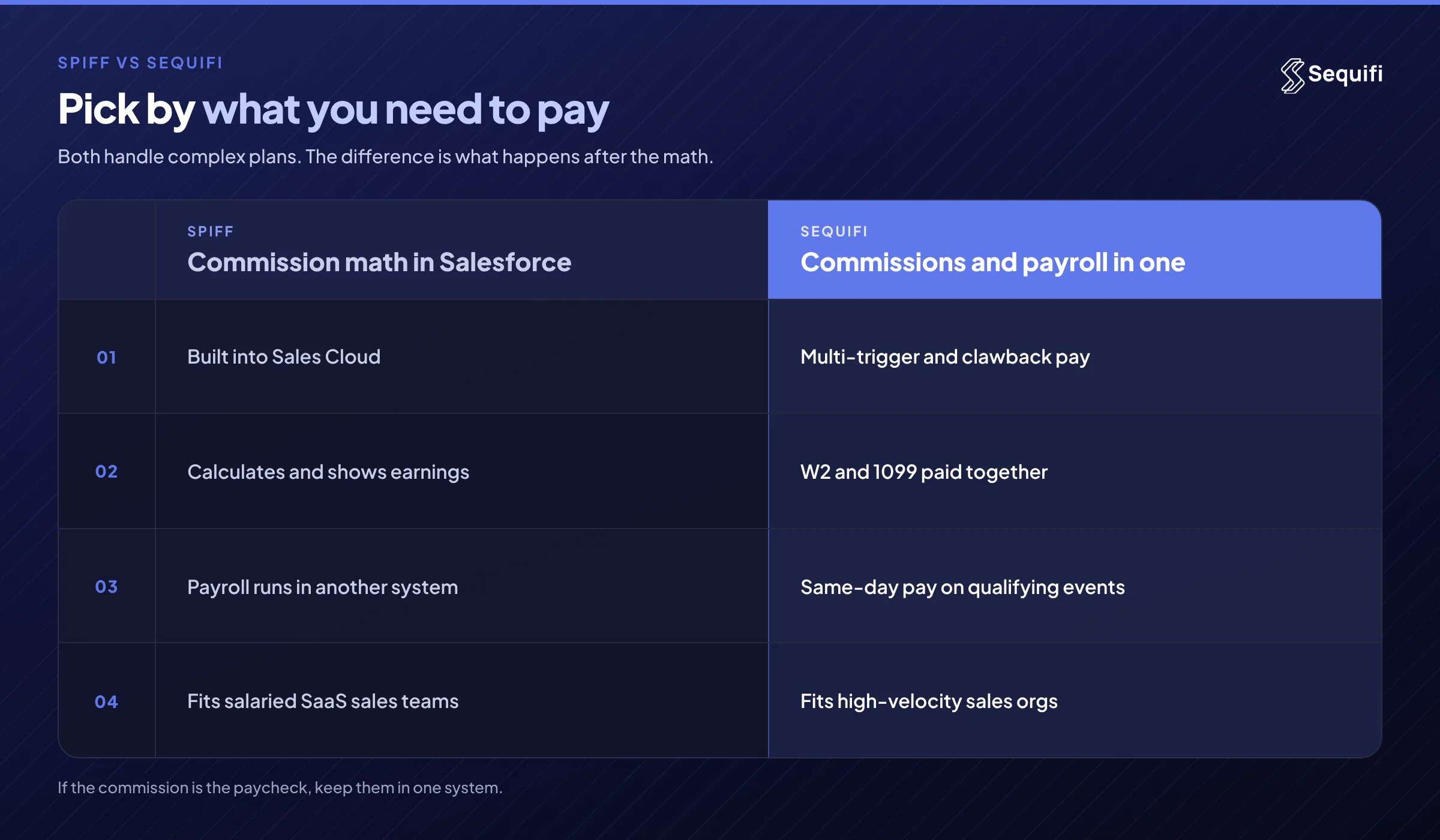
- Core job: Spiff is an incentive compensation management tool. Sequifi is a commission engine and payroll platform in one system.
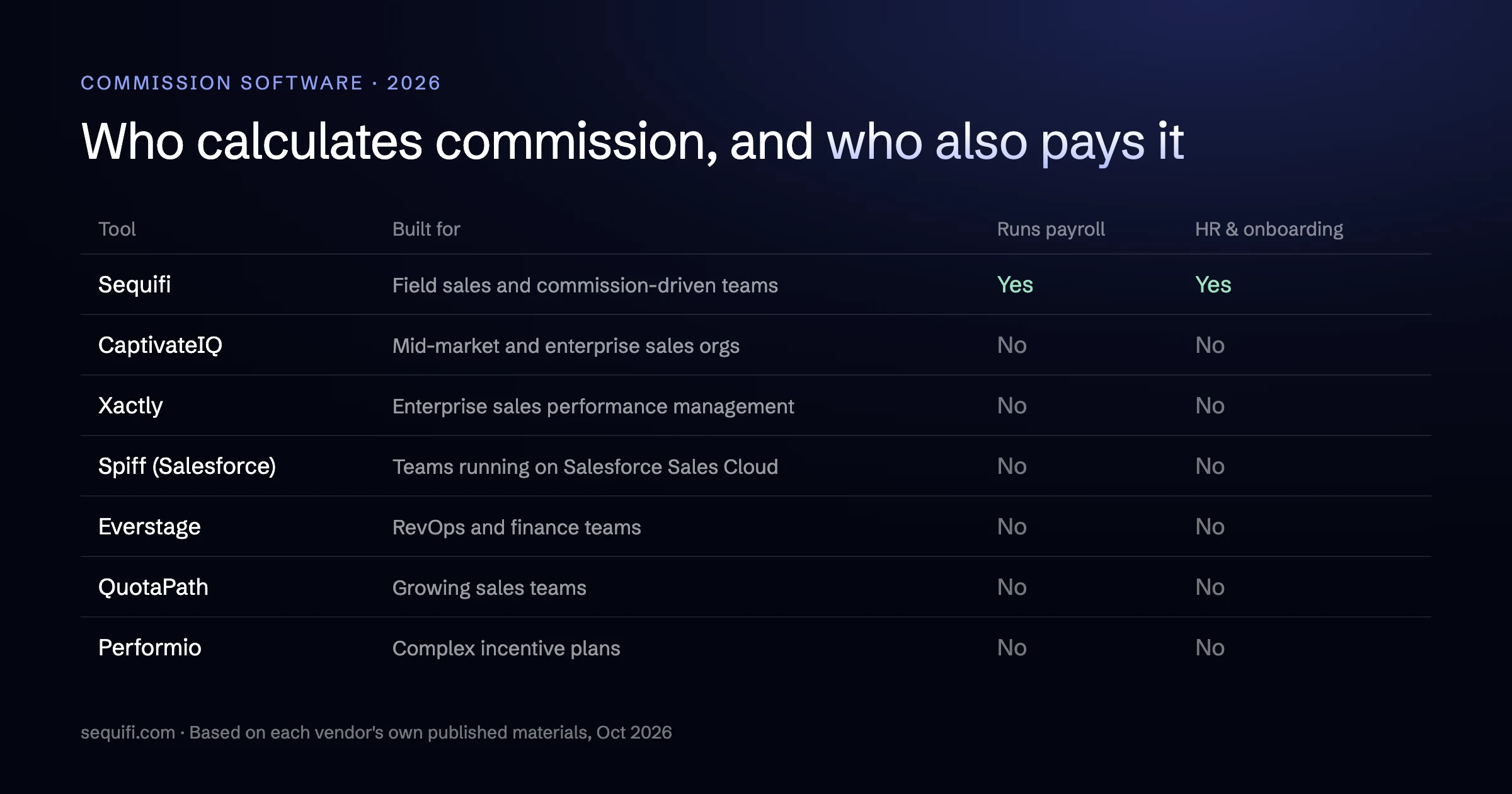
- Payroll: Spiff calculates what reps earned and hands totals to a separate payroll provider. Sequifi runs the payroll itself, for W-2 and 1099 reps.
- Pay triggers: both can model complex plans. Sequifi is built around multi-trigger events such as closes, installs, activations, clawbacks, overrides, and ramps.
- Pay speed: Spiff's payout timing follows your payroll calendar. Sequifi supports same-day or on-demand pay on qualifying events.
- Best fit: Spiff for Salesforce-centric SaaS teams. Sequifi for commission-heavy orgs in solar, fiber, pest control, mortgage, insurance, home services, staffing, and similar models.
Deep dive
Start with what each product is. Spiff is an incentive compensation management platform. Salesforce agreed to acquire Spiff in late 2023, and it is now sold as Salesforce Spiff alongside Sales Cloud. It reads deal data from the CRM, applies plan logic, and shows reps what they earned. It does that job well, especially when every deal already lives in Salesforce opportunities.
What Spiff does not do is pay anyone. When the commission period closes, someone exports or syncs the totals into a payroll system, such as ADP, Gusto, or Rippling, and that system cuts the checks. For a SaaS team with 40 salaried account executives, quarterly accelerators, and one W-2 payroll run, that handoff is a small monthly task. Spiff is a reasonable choice there, and switching would not buy you much.
Sequifi starts from a different problem. It was built for sales orgs where the commission and the paycheck are the same conversation: a solar rep paid on close and again on install, a fiber rep paid on activation with a clawback if the customer churns, a pest rep paid weekly with an override flowing to the team lead. In those models, the commission engine and payroll cannot drift apart without reps noticing on payday.
Four differences matter most in practice.
- Where the money moves. With Spiff, the calculation and the payment live in two systems, so every cycle includes a reconciliation step. With Sequifi, an approved commission becomes a payroll line in the same system.
- Worker mix. Many field and inside-sales orgs pay setters, closers, and contractors on 1099 while managers are W-2. Classification follows IRS and Department of Labor rules on independent contractors versus employees, and each group pays differently. Sequifi runs W-2 and 1099 payroll together. A Spiff setup usually means separate payment runs downstream.
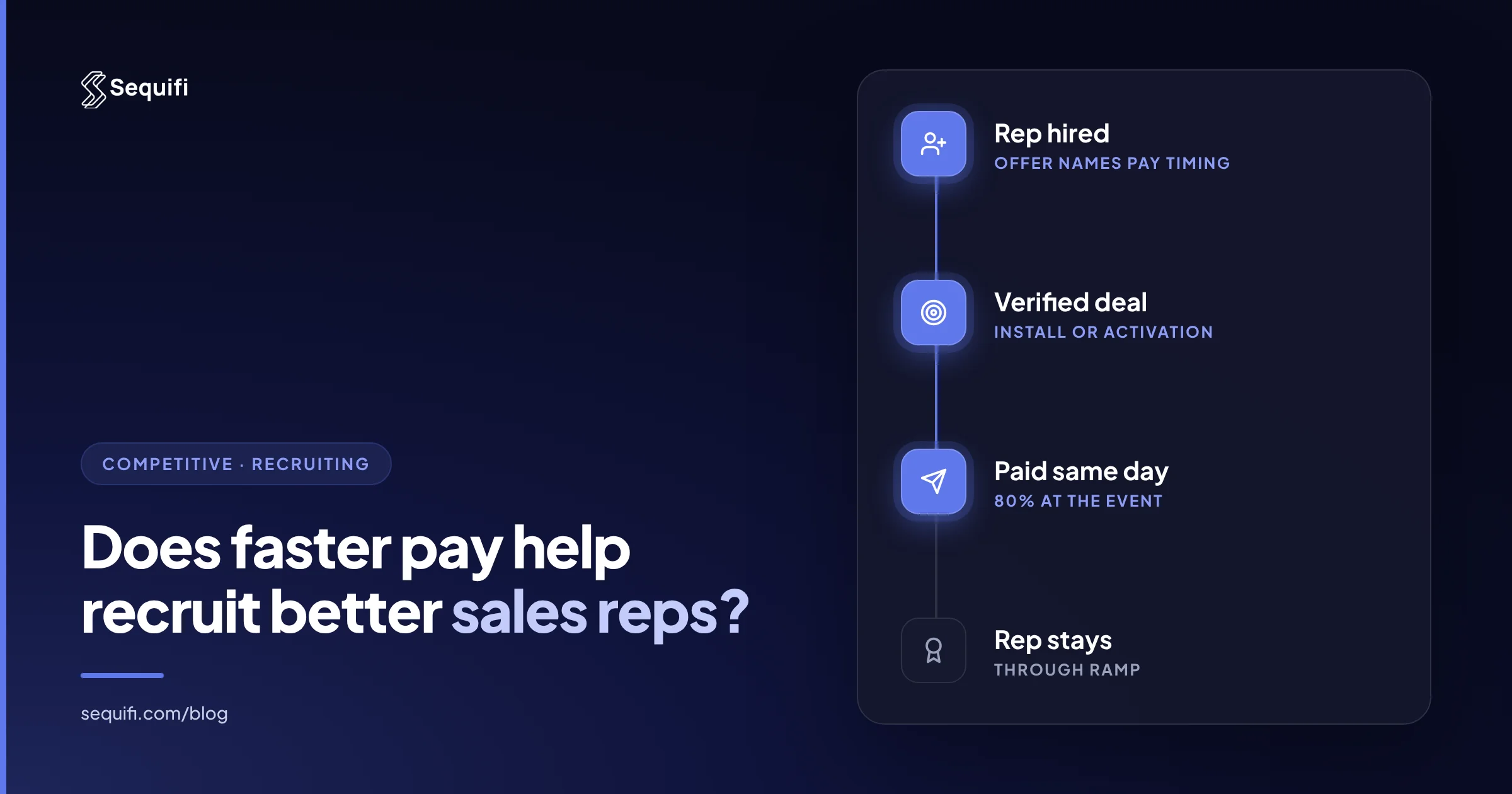
- Event-driven pay. Sequifi can pay on the qualifying event itself, the same day an install completes or an account activates. Spiff's payouts follow whatever payroll calendar sits behind it.
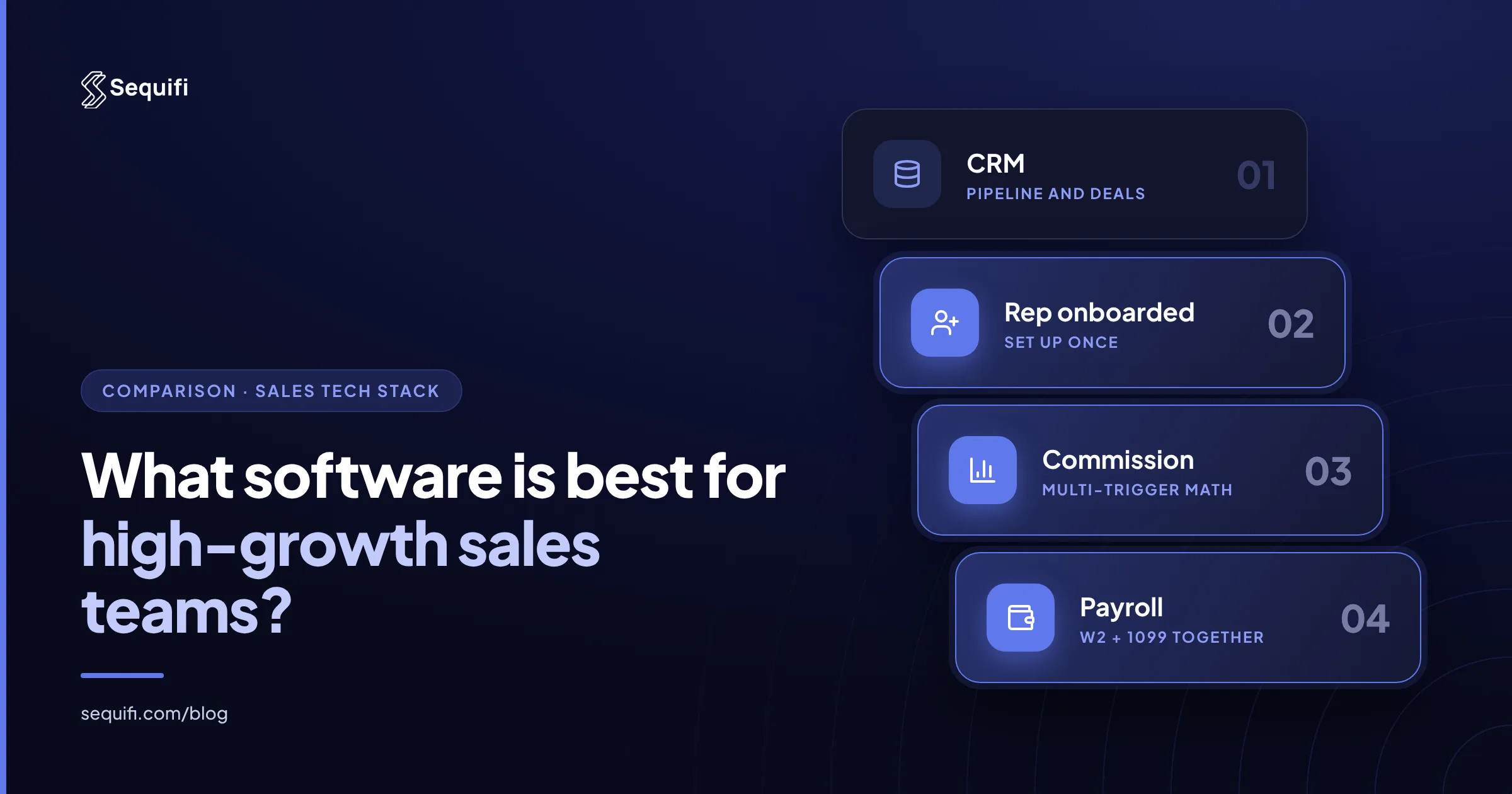
- Rep onboarding. Teams that add hundreds of reps a month need each rep set up for both commission and pay at once. Sequifi handles that in one record. With Spiff, the rep exists in the CRM, in Spiff, and in payroll.
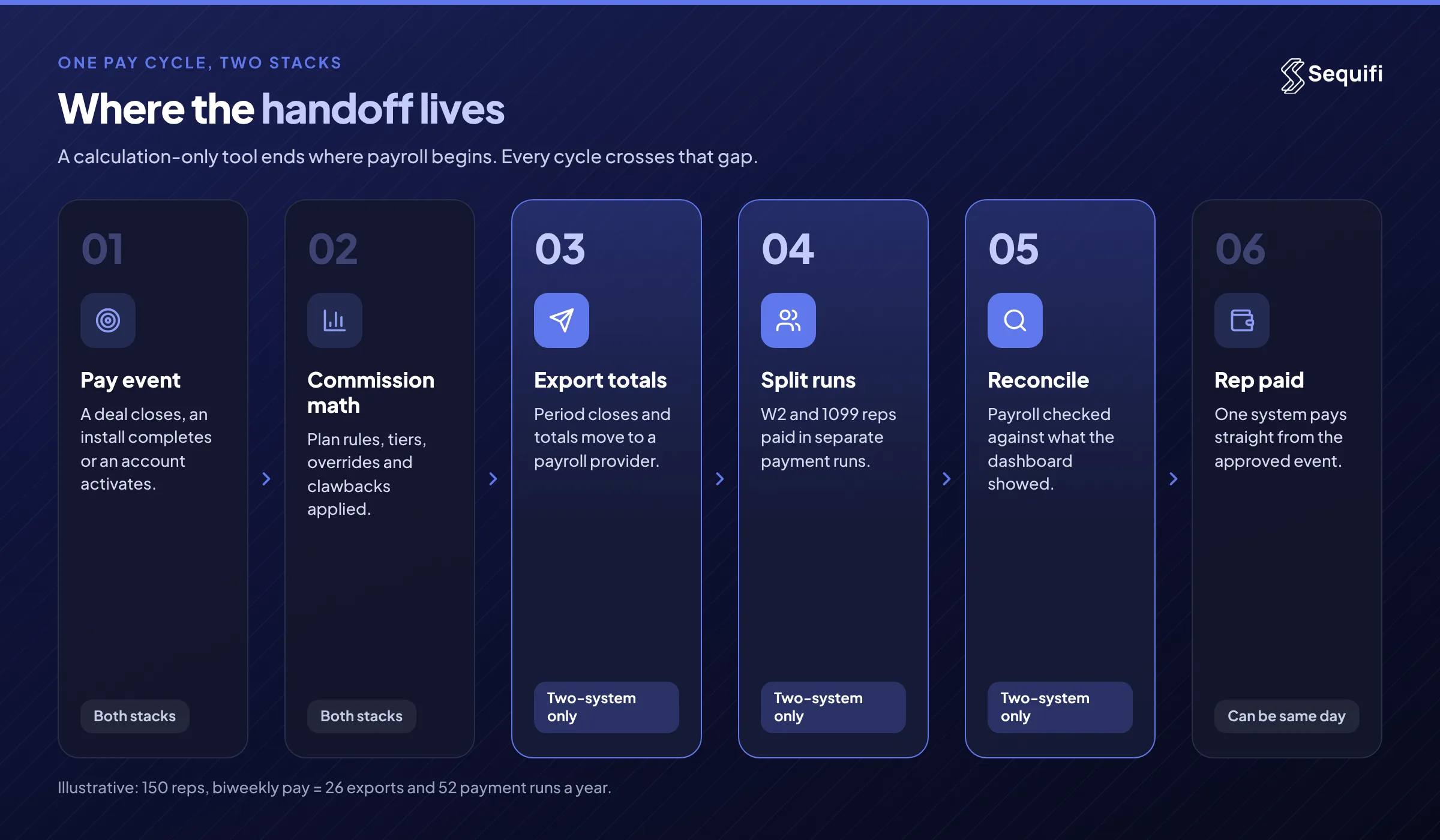
Worked example (illustrative). A fiber sales org has 150 reps: 90 on 1099, 60 on W-2. Reps earn on activation, with a clawback if the account cancels within 90 days. Pay runs biweekly.
On a Spiff-plus-payroll stack, each cycle looks like this: close the Spiff period, export 150 commission totals, net clawbacks, split the file into a W-2 run and a 1099 run, load both, and reconcile what landed against what Spiff showed. That is 26 cycles and 52 payment runs a year. If 2% of lines need a manual fix, that is 3 corrections per cycle and 78 a year, each one a rep asking why their check does not match their dashboard.
On Sequifi, the activation event triggers the commission, the clawback nets against the next payout automatically, and both worker types are paid from the same run. The rep's dashboard and the paycheck come from the same numbers.
If you are weighing more than two tools, see the best Spiff alternatives compared and the best commission software platforms in 2026. For a feature-by-feature view, see the Sequifi vs Salesforce Spiff comparison.
What breaks at scale
At 50 reps, either approach works. A Spiff export into payroll takes an afternoon, and one ops lead can catch the mismatches.
At 200 reps, the handoff becomes a job. Plans multiply, clawbacks span pay periods, and W-2 and 1099 runs need separate checks. Ops spends the days after each close reconciling Spiff totals to payroll registers, and disputes rise because reps see one number and get paid another. This is where many teams fall back to spreadsheets to bridge the gap, which is the problem replacing Excel for commission tracking is meant to solve.
At 500 reps, across regions and verticals, the two-system model compounds. Every new rep needs three setups. Every plan change needs to be mirrored downstream. Every correction needs to be made twice. Same-day pay, which many reps now expect, is nearly impossible when payment depends on a batch export. If pay speed is a recruiting lever for you, see how companies pay reps faster.
How Sequifi solves this
Sequifi is built for any high-velocity sales org with multi-trigger comp plans, including solar, fiber, pest control, mortgage, insurance, and home services. Three capabilities separate it from a calculation-only tool:
- Commission engine and payroll in one system. Approved commissions become payroll lines without an export, and W-2 and 1099 reps are paid together.
- Multi-trigger and event-based pay. Closes, installs, activations, clawbacks, overrides, and ramps are modeled directly, with same-day or on-demand pay on qualifying events.
- Rep-facing transparency. Reps see every trigger, adjustment, and payout in one dashboard that matches what lands in their account.
The result is fewer handoffs to reconcile and fewer pay questions reaching managers. It also makes rapid onboarding practical, because each new rep is set up once for both commission and pay.
Frequently asked questions
Is Spiff a payroll system?
No. Spiff is an incentive compensation management platform. It calculates commissions, manages plans, and shows reps their earnings, but payment runs through a separate payroll provider such as ADP, Gusto, or Rippling. Teams using Spiff export or sync commission totals into payroll each cycle. Sequifi combines the commission engine and payroll in one system, so there is no handoff between calculating pay and paying it.
When is Spiff the better choice than Sequifi?
Spiff is often the better choice for software sales teams that run everything in Salesforce, pay salaried W-2 reps on a standard payroll calendar, and do not need event-based payouts. If your commission logic reads cleanly from Salesforce opportunities and your payroll handoff is a short monthly task, Spiff fits well. Sequifi earns its place when triggers, worker types, and pay timing get complex.
Can Sequifi handle complex commission plans like Spiff?
Yes. Sequifi models multi-trigger plans directly, including splits on close and install, activation-based pay, clawbacks, overrides, tiers, and ramps. The difference is what happens after the math. Sequifi pays the result in the same system, for W-2 and 1099 reps alike. For a broader look at plan design, see how to manage complex commission structures.
Do I need Salesforce to use Spiff?
Spiff is now sold by Salesforce as part of its Sales Cloud lineup, so it fits most naturally for teams already on Salesforce. If your deals, installs, or activations live in a field service tool, an installer portal, or a different CRM, confirm with Salesforce how that data would reach Spiff before you buy.
How hard is it to switch from Spiff to Sequifi?
Most of the work is mapping your current plans, rep hierarchy, and payout history into the new system, then running a parallel cycle to confirm the numbers match. Plan the switch at a period boundary so clawbacks and open deals carry over cleanly. Teams typically move when the export-and-reconcile step between Spiff and payroll has become a recurring source of disputes.
Conclusion
Spiff and Sequifi solve different problems. Spiff is a strong commission calculator for Salesforce-first software teams that are happy keeping payroll separate. Sequifi is built for sales orgs where commissions are the paycheck: multiple triggers, a W-2 and 1099 mix, fast onboarding, and reps who expect to be paid when the event happens. The practical test is simple. Count how many hours your team spends each cycle moving commission totals into payroll and fixing what breaks. If that number is growing, see how Sequifi compares to Salesforce Spiff.
See Sequifi run your kind of pay.
Commissions, payroll and HR in one platform, built for teams where every paycheck is different.
Book a demo