What software do solar companies use for commissions?
Solar companies pair a CRM, a commission tool and payroll to pay reps on close, install and PTO. The four common stacks, what breaks at scale, and how to evaluate tools.
Direct answer
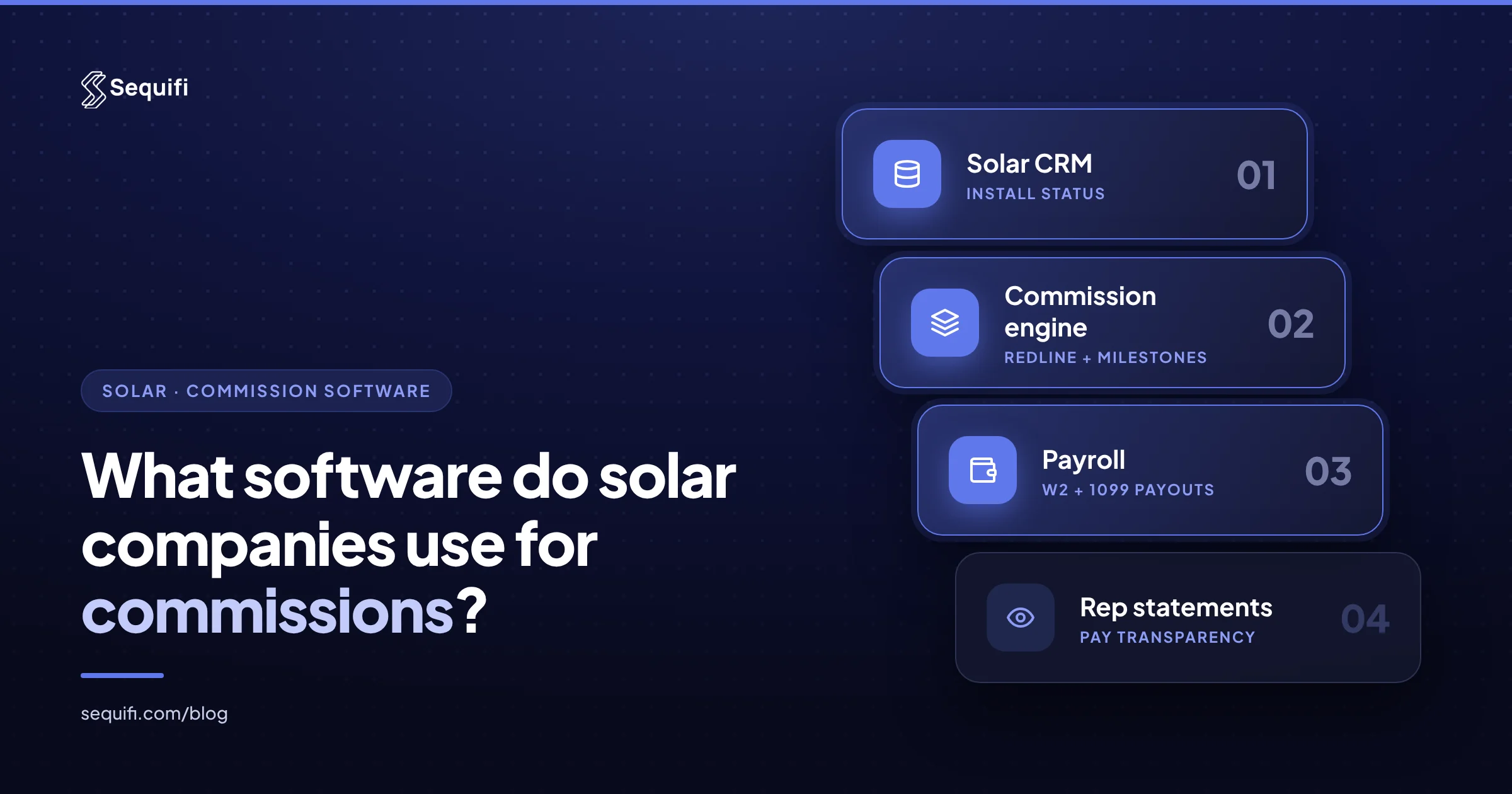
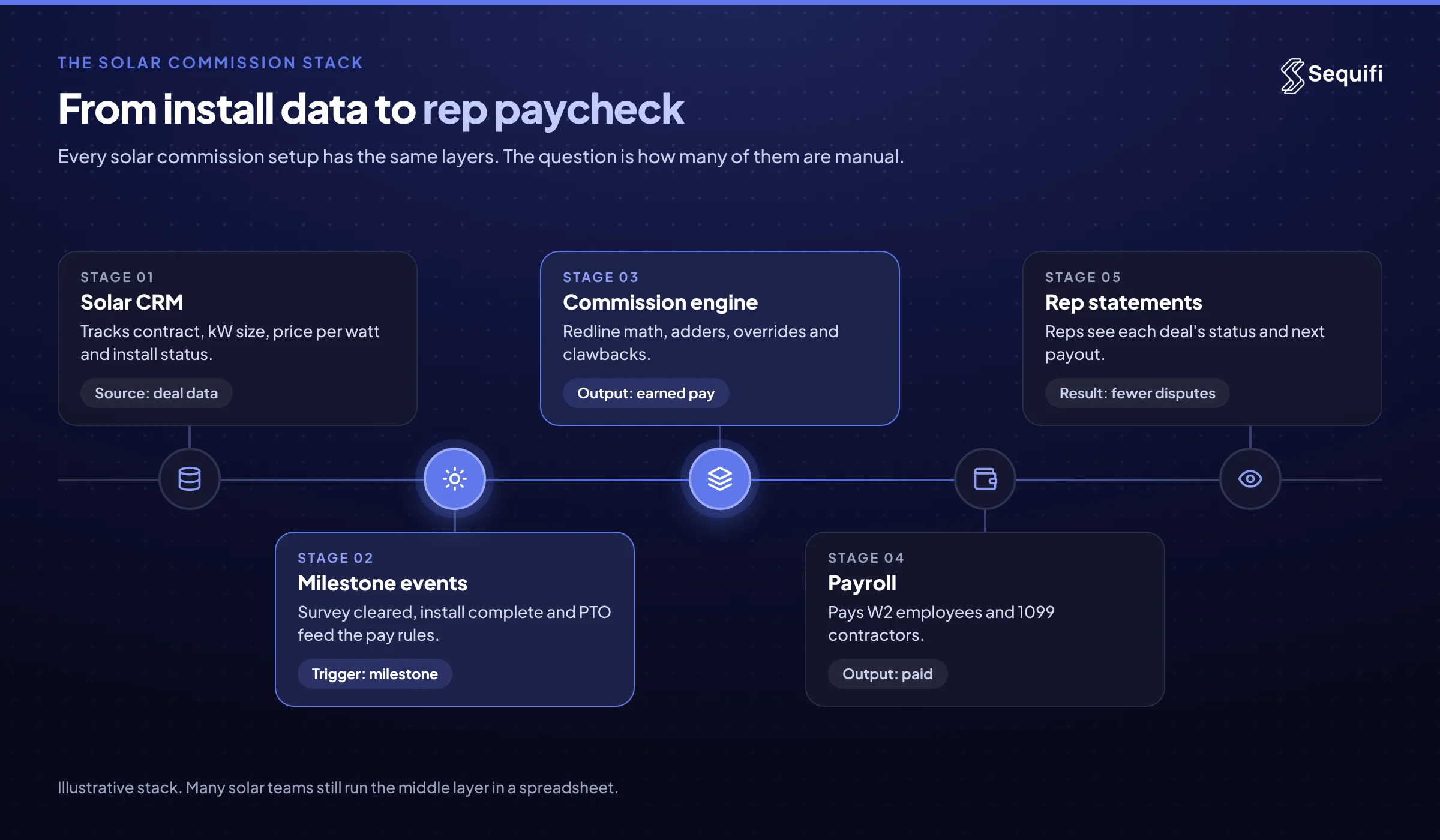
Most solar companies run commissions on a stack of three tools: a solar CRM or project platform that tracks each deal from signature to install, a commission layer that does the math (often a spreadsheet, sometimes a dedicated engine), and a payroll provider that pays W-2 and 1099 reps. The stack works until milestone pay, clawbacks, and overrides outgrow the spreadsheet. Growing teams then move to software that unifies commissions and payroll.
Breakdown
- Deal and install tracking: a solar CRM or project management platform that records contract date, system size, price per watt, adders, and install status.
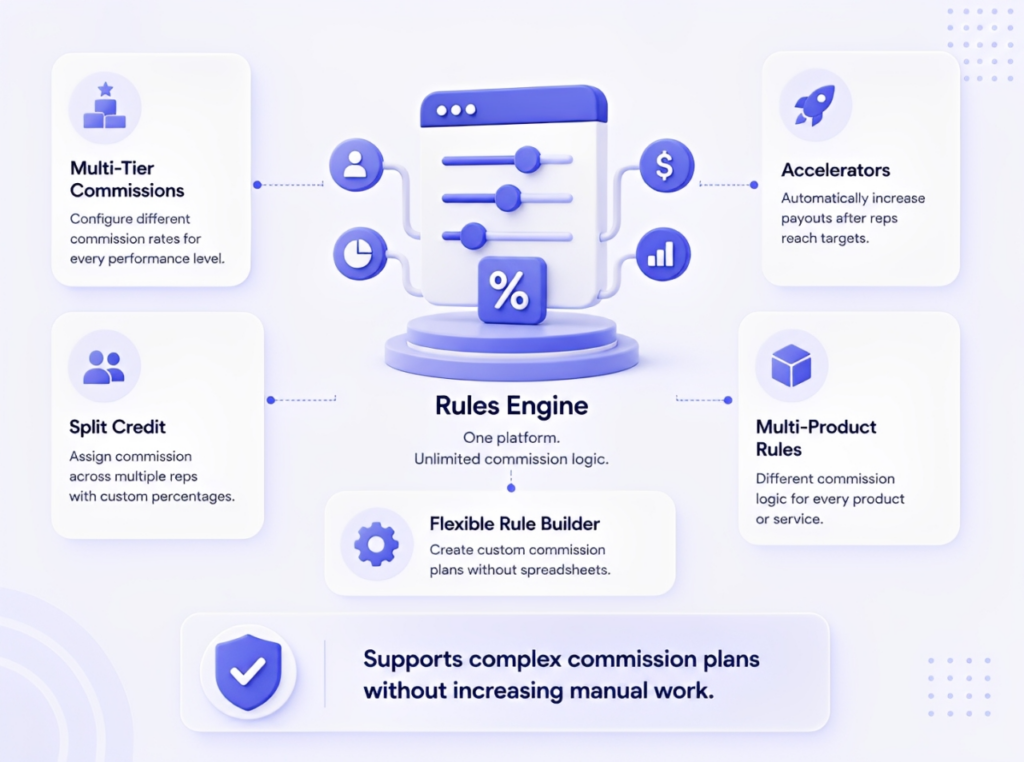
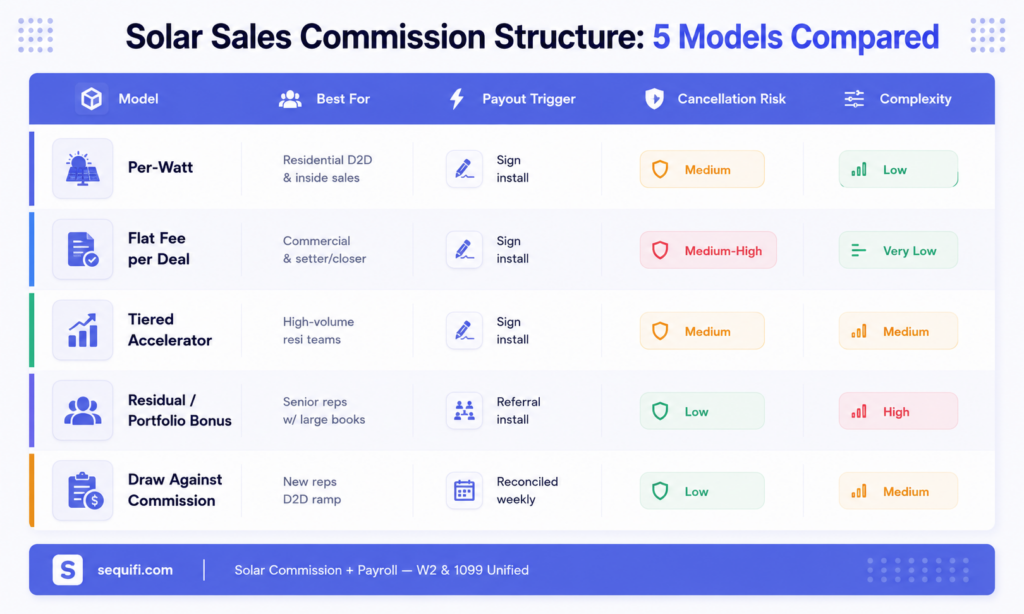
- Commission calculation: the rules engine for redlines, milestone splits (M1, M2, PTO holdbacks), adders, dealer fees, and override tiers.
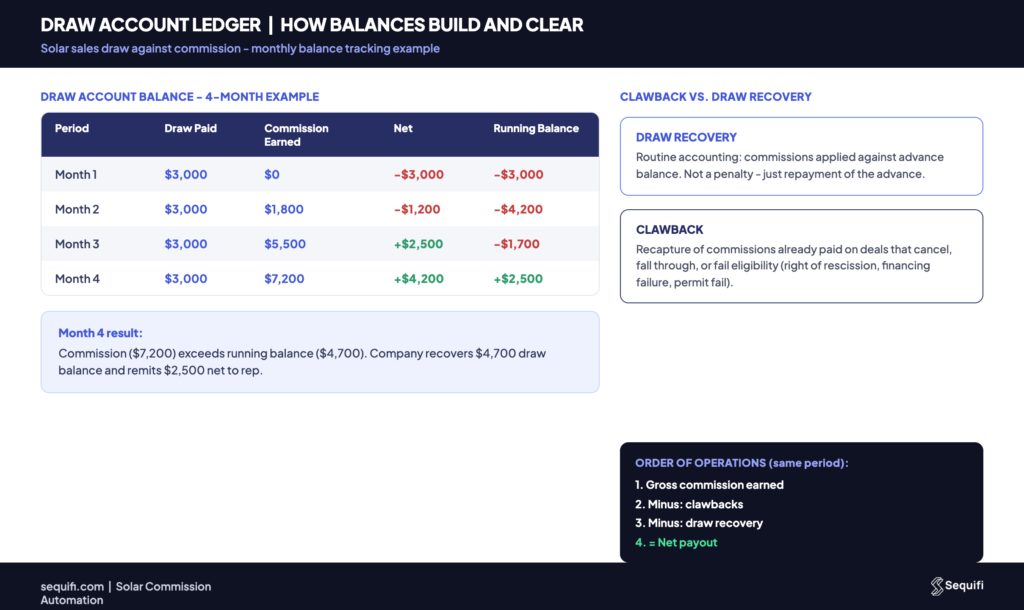
- Adjustments: recalculations when system size or price changes, plus clawbacks and override reversals when deals cancel.
- Payroll and payouts: paying a mixed workforce of W-2 employees and 1099 contractors, with correct tax handling for each.
- Rep visibility: statements or a portal where reps can see each deal's status and what they will be paid next.
Deep dive
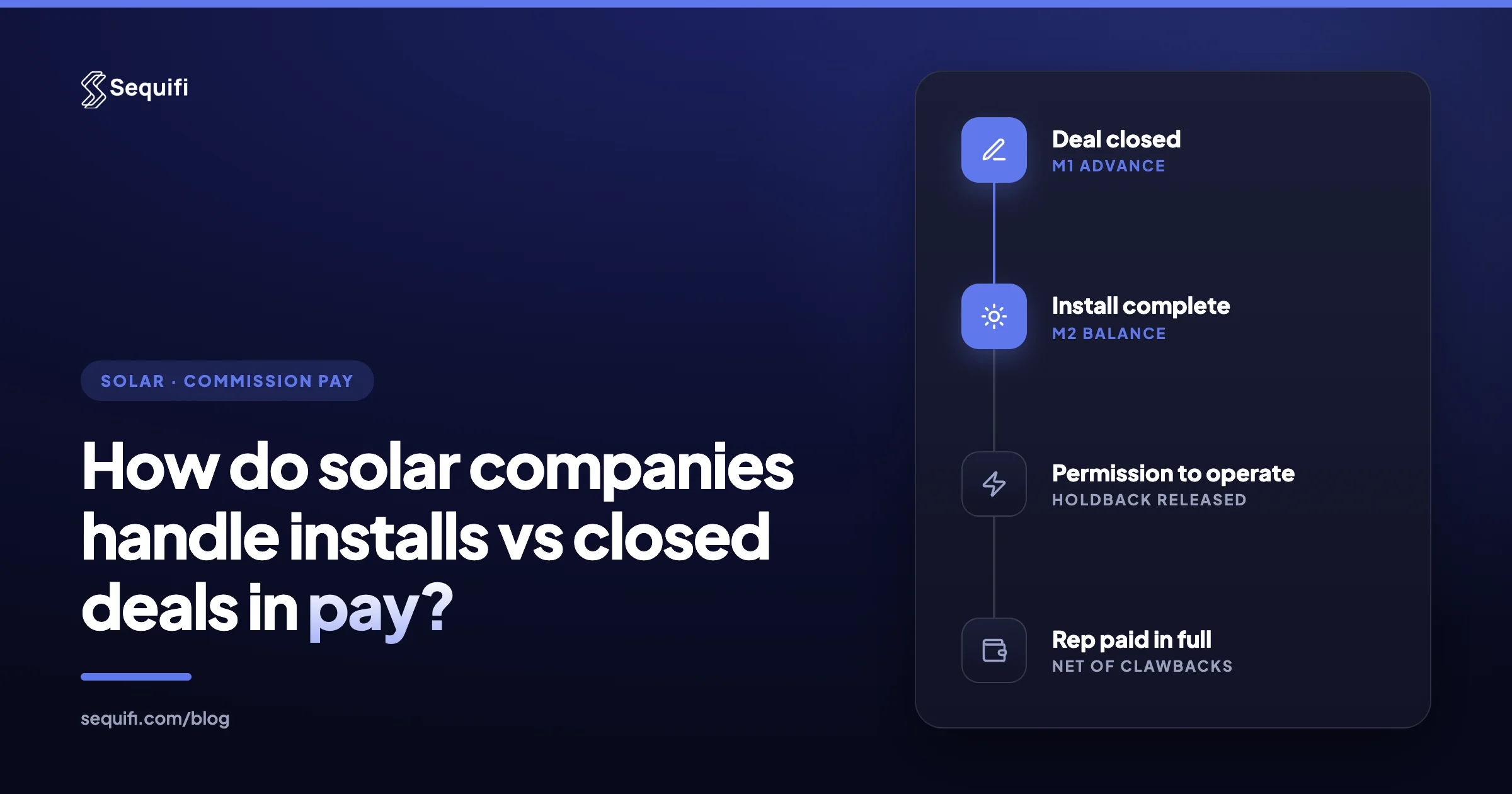
Solar commissions are harder to automate than most sales comp because the event that earns the money happens weeks or months after the sale. Design, permitting, financing, and interconnection all sit between the signature and the install. That gap shapes the software. (For the pay mechanics themselves, see how solar companies handle installs vs closed deals in pay.)
Four setups show up again and again.
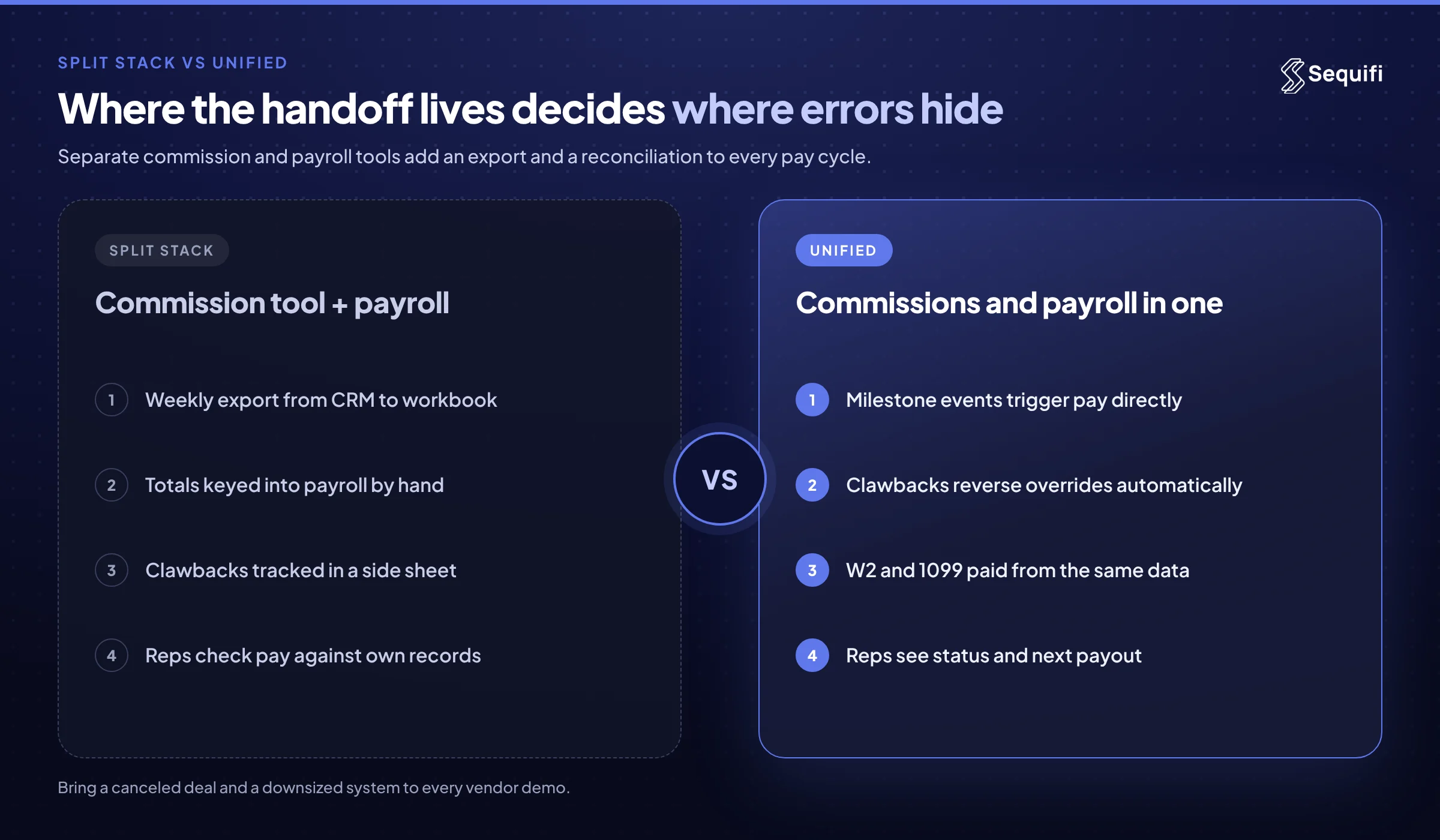
- Spreadsheets plus a payroll provider. Ops exports deals from the CRM every week, flips statuses by hand, runs the redline math in a workbook, and keys totals into payroll. It is cheap and flexible. It is also where most solar pay disputes start, because every recalculation and clawback depends on one person's formulas.
- A solar CRM with a commission add-on. Some solar project platforms include basic commission fields or reports. They know install status well, which helps. They usually struggle with multi-level overrides, partial clawbacks, and paying anyone, so payroll stays a separate export.
- A dedicated commission engine plus separate payroll. General-purpose commission tools handle complex plan math and statements. Many were designed around SaaS quota plans, so solar-specific triggers (survey cleared, install complete, PTO granted) need custom setup. Payouts still flow through a separate payroll system, so reconciliation never fully disappears.
- Unified commission and payroll. One system calculates commissions from milestone events and pays them, for W-2 and 1099 reps alike. The handoff between "what the rep earned" and "what the rep was paid" lives in one place.
Whichever setup you run, the software has to handle a short list of solar-specific requirements:
- Price-per-watt math against a redline, recalculated when kW size or price changes before install.
- Multiple pay triggers per deal, including an advance at close, the balance at install, and an optional holdback until PTO.
- Adders and dealer fees, with written rules for who earns on batteries and roof work and who absorbs financing fee changes.
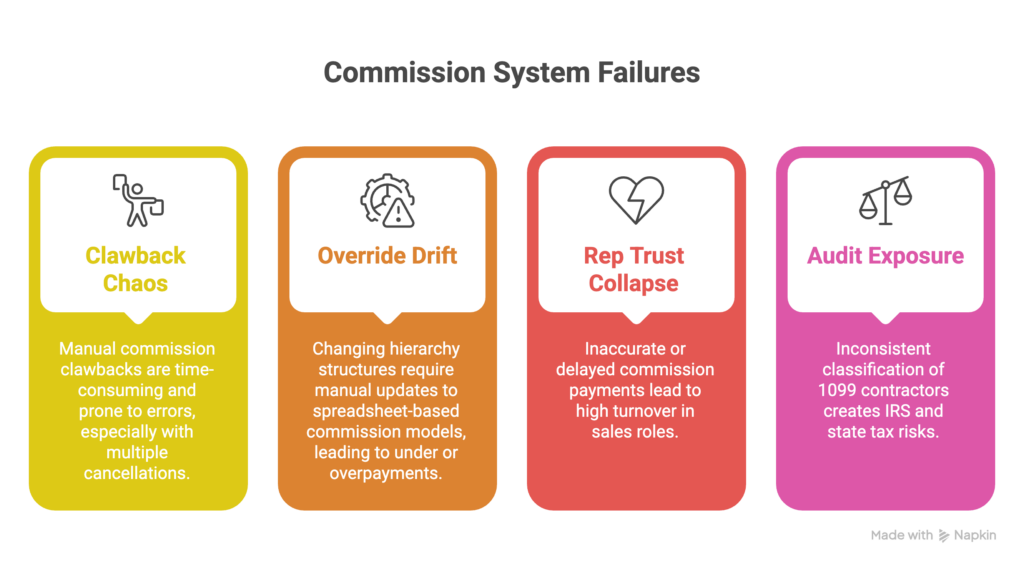
- Clawbacks and override reversals that hit every affected paycheck, not just the closer's.
- W-2 and 1099 payouts from the same data. Contractors receive a Form 1099-NEC at year end, so payout records need to be clean all year.
Worked example (illustrative). A solar company has 120 reps, each carrying about six open deals. That is 720 deals sitting at different milestones. In a typical week, 90 of them hit a pay event: survey cleared, install complete, or PTO granted. Each event pays the rep and two override levels, so 90 events become 270 payout line items. If ops spends two minutes per line verifying status, recalculating, and keying it into payroll, that is nine hours a week before a single dispute is handled. Add five cancellations, each reversing an advance and two overrides, and 15 more corrections land on the same desk.
None of that is unusual. It is what a midsize solar team looks like. The question for software is whether those 285 adjustments happen automatically from install data or manually from a spreadsheet.
When you evaluate tools, ask vendors to run your actual plan, not a demo plan. Bring one canceled deal, one downsized system, and one deal with a battery adder. Watch how each tool recalculates, who it claws back from, and how the result reaches payroll. Our comparison of the best commission software for solar companies walks through evaluation criteria in more depth, and SEIA's solar industry research is useful context for how install volume, and your deal count, may move.
What breaks at scale
At 50 reps, spreadsheets plus payroll mostly hold. One ops lead knows every plan and every exception. Mistakes happen, but they get caught by people who remember the deal. The risk is concentration: if that person leaves, the plan logic leaves with them.
At 200 reps, the CRM export and the payroll upload drift apart. Install data from multiple partners arrives in different formats and on different days. Duplicate advances slip through, holdbacks get forgotten, and clawbacks land on some reps but not others. Reps start keeping their own records to check the statement.
At 500 reps, you are running several plan versions across states, two or three override tiers, and a mixed W-2 and 1099 workforce. A single install can trigger five payments. Payroll week turns into a multi-day reconciliation between three systems, and the cost shows up in recruiting: reps talk, and slow or wrong pay is the fastest way to lose your closers to a competitor.
How Sequifi solves this
Sequifi is built for any high-velocity sales org with multi-trigger comp plans, including solar, fiber, pest control, and home services. For solar commissions, three capabilities do most of the work:
- One system for commissions and payroll. Sequifi calculates commissions and runs W-2 and 1099 payroll together, so there is no export between the commission math and the paycheck. It replaces the spreadsheet-plus-payroll stack outright.
- Multi-trigger plans with clawbacks and overrides. Close, install, and PTO can each be a pay trigger, with recalculations, clawbacks, and override reversals handled automatically.
- Same-day pay and rep transparency. Payments can go out the day a qualifying event lands, and reps see each deal's status and next payout. See how companies pay reps faster.
Frequently asked questions
Can a solar CRM handle commissions on its own?
Some solar CRMs and project platforms track commission fields or produce basic commission reports, and they are strong at knowing where each install stands. Most do not run payroll, and many struggle with multi-level overrides, partial clawbacks, and recalculations on changed system sizes. Teams usually pair the CRM with a dedicated commission or unified commission-and-payroll system that reads install status from it.
Is Excel good enough for solar commissions?
For a small team with one simple plan, a well-built spreadsheet can work. It breaks as deal volume, plan versions, and override levels grow, because every milestone, recalculation, and clawback depends on manual updates. Version errors and missed holdbacks are common failure points. Most teams outgrow spreadsheets somewhere between 50 and 200 reps. See our guide to replacing spreadsheets for commission tracking.
What features matter most in solar commission software?
Look for price-per-watt and redline calculations, multiple pay triggers per deal, automatic recalculation when system size or price changes, clawbacks that reverse overrides too, and support for both W-2 and 1099 payouts. Rep-facing statements matter almost as much as the math, because reps who can see each deal's status file fewer disputes. Integration with your install data source is the final must-have.
How do solar commission tools get install data?
Usually through an integration or scheduled sync with the solar CRM or project management platform, where install dates and PTO approvals are recorded. Some teams still upload install reports from partners by hand. The more automated the install feed, the faster and more accurate milestone payouts become. Ask any vendor exactly which fields trigger pay and how often they refresh.
Should commissions and payroll live in the same system?
Keeping them separate means every pay cycle includes an export, an import, and a reconciliation between what reps earned and what they were paid. That is where duplicate payments and missed clawbacks hide. A unified system removes the handoff, which matters most for solar teams paying several milestone events per deal across W-2 and 1099 reps.
Conclusion
Solar companies use a mix of CRM, commission, and payroll software to pay reps, and most start with spreadsheets in the middle. That works until milestone pay, overrides, and clawbacks multiply with headcount. Before you buy anything, write down every pay trigger in your current plan and count how many payout line items you processed last month. That number tells you how much manual work your stack is hiding. Then see how Sequifi handles your plan, from close to install to PTO, in one system.
See Sequifi run your kind of pay.
Commissions, payroll and HR in one platform, built for teams where every paycheck is different.
Book a demo